01
Command Center
See priorities, overdue work and operational exceptions in one place. Move from an overview into the record that needs attention.
SEE WHAT NEEDS YOU

From the first request to the next shift.
Connect maintenance, housekeeping, assets and teams in one workspace built around the way your property runs.
Working v1 · Guided demonstrations · Pilot inquiries welcome
Repeat issues at North building make it a priority for review.
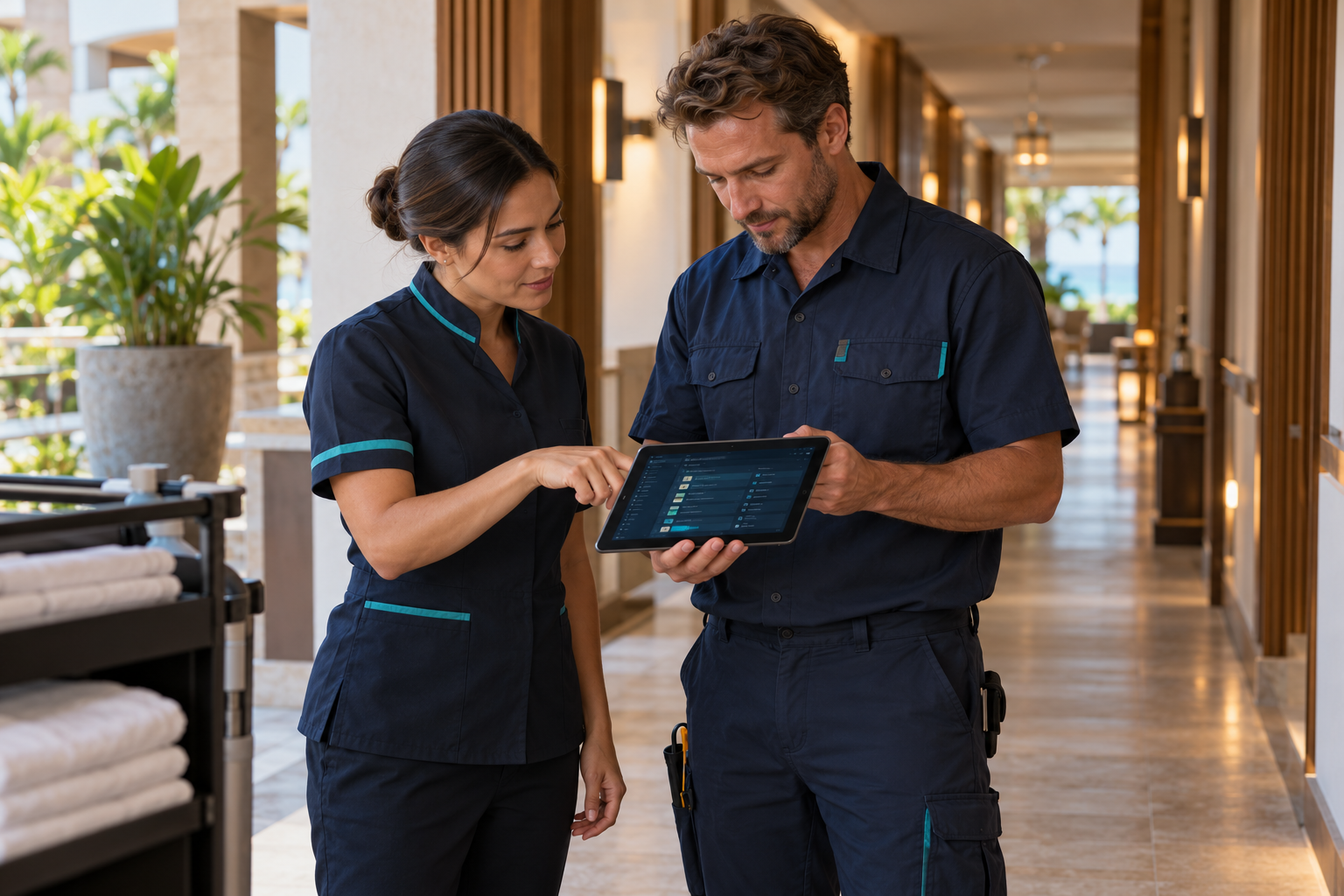
Hotels & resorts
Schools & campuses
Facilities & property
EXPLORE THE WORKING V1
OPEZIQ now brings these core workflows together in a working web product. Explore them in a guided demonstration, then define the right scope for your team’s pilot.
See priorities, overdue work and operational exceptions in one place. Move from an overview into the record that needs attention.
Create requests quickly, assign work, track labor and add photos. Plan preventive visits with recurring schedules and reusable checklists.
Build daily boards, assign rooms in batches and track cleaning through inspection. Keep maintenance holds visible before releasing a room.
Connect digital asset records, service history and locations. Check out equipment and keys, track custody, and record stock receipts, issues and transfers.
Create reusable templates or one-time procedures. Weight inspection tasks, flag critical failures, capture evidence and create follow-up work.
Keep guest inquiries and found items in a dedicated workspace. Link property locations, review possible matches and record verified returns.
Give each department its own handoff. Start with relevant operational snapshots, add photos and context, and track acknowledgment from the receiving team.
Review workload, recorded labor and maintenance costs. Use asset lifecycle fields and capital-planning foundations to inform the next investment.
Light and dark appearances, staff profiles, departments and tags, configurable templates, and shared property locations keep the experience familiar across modules.
CONNECTED IN THE DETAILS
A typical workflow in OPEZIQ connects the room, the issue, the work and the next shift—so staff can follow the same story across dashboards.

CONTEXT WHERE THE WORK HAPPENS
Give technicians a clear procedure, an asset’s history and a place to record what they find. Keep that knowledge connected for the next person who needs it.
Explore a maintenance workflow ↗A room’s maintenance issue is linked to its location. The hold stays visible while the room needs attention.
Housekeeping → TicketsAssigned staff record time, add photos and update the repair. The ticket keeps the discussion and work history together.
Tickets → Work historyA supervisor verifies the room against the applicable inspection. Failed checks can lead to follow-up work.
Inspections → Room readinessA department report brings completed work and open priorities into a saved snapshot, with added notes and photos.
Shift reports → Next teamAn example workflow, not a promise of unattended automation. Staff remain in control of assignments, verification and handoffs.
BUILT AROUND YOUR REALITY
For leaders balancing uptime, people and priorities—across a building, a campus or an entire portfolio.
Let’s talk about your operation ↗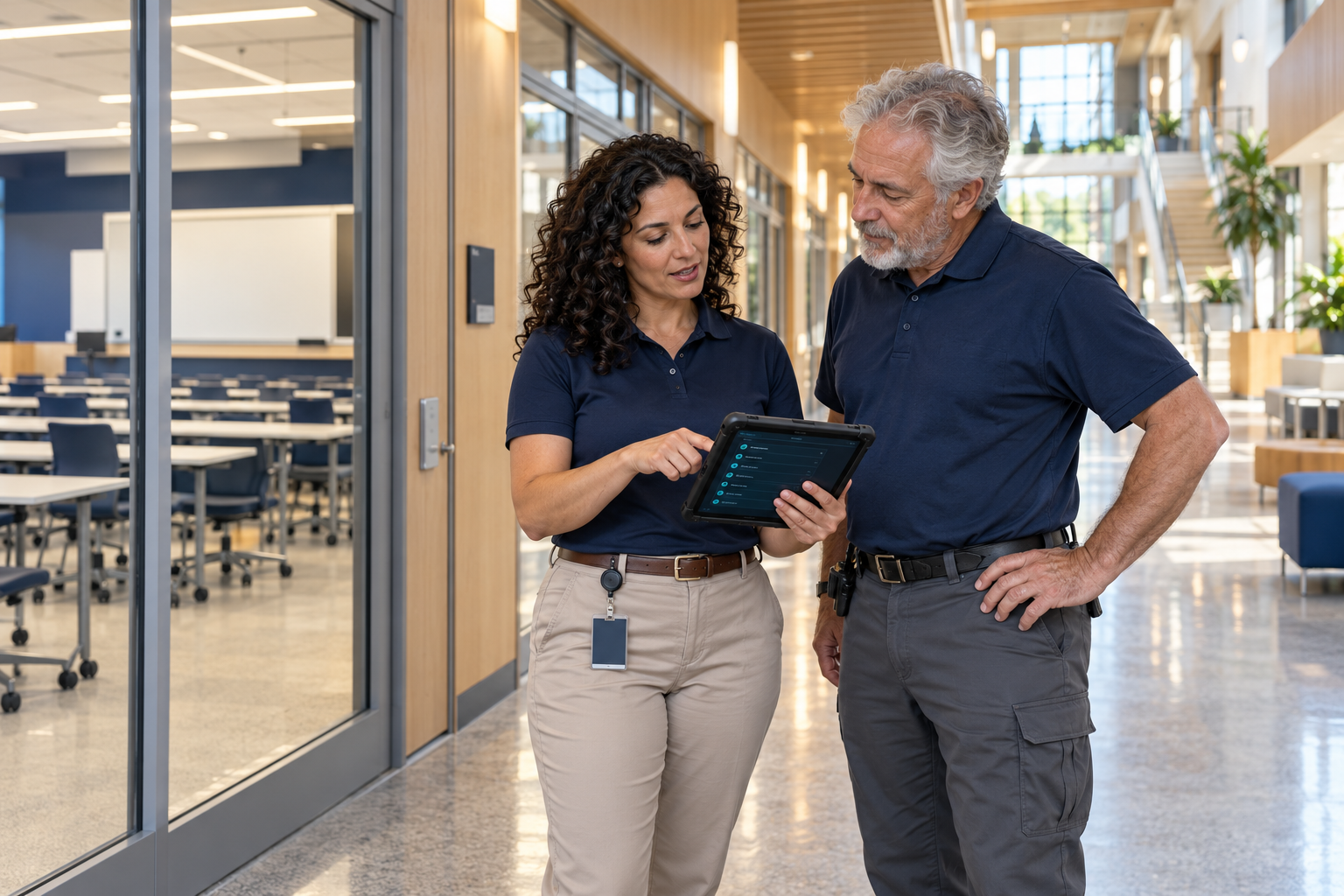
Bring room readiness, housekeeping, maintenance and lost property into a connected daily workflow.
Organize building assets, preventive work and facility inspections. Adapt reusable templates to local standards and team responsibilities.
Review priorities, workload, recorded costs and asset history with the location and department context behind each record.
THE OPEZIQ PILOT PROGRAM
The working v1 is ready to demonstrate. We’re inviting teams to discuss focused pilots, validate real workflows and help shape what comes next. Production rollout requirements are agreed individually.
See the current product and discuss your team, current tools and the friction you want to remove.
Agree on workflows, data, access requirements and what a successful pilot would look like.
Test the workflow, share feedback and help guide the product.
WHERE WE ARE TODAY
We believe a useful demonstration should make both the capabilities and the boundaries clear.
Core modules run together with realistic sample records, editable workflows, attachments and saved operational history. Guided demos show the current experience.
Staff authentication, production permissions, data migration and integration needs are part of rollout planning. Demo role previews are not a completed enterprise access system.
External integrations, unattended scheduling, advanced AI and carrier/payment connections are not presented as production-ready services. Scope and availability will be confirmed for each pilot.
The current experience includes an Operations Assistant and contextual operational insights. Recommendations are support for staff decisions; they do not replace human review. Advanced AI and external automation remain part of the development roadmap.
Yes. The working v1 includes customizable checklists and weighted inspections, with reusable or one-time procedures. Facility starter templates are starting points for your team to review, not regulatory or clinical compliance certifications.
EARLY ACCESS / PILOT PROGRAM
Tell us about your team and the workflows you want to see. We’ll follow up to discuss a demonstration and whether a focused pilot is the right fit.
A conversation first.
No payment details. No commitment to purchase.